Table of contents
- Google reCAPTCHA: what it is and what it does
- Versions of Google reCAPTCHA
- Differences between reCAPTCHA v2 and reCAPTCHA v3
- How to activate Google reCAPTCHA
- Integrating reCAPTCHA into websites
- Advantages of Google reCAPTCHA
- Common use cases
- Possible limitations and drawbacks
- Further information and useful resources
Anyone who manages websites knows how annoying spam can be. Automated comments, fake registrations, and fraudulent submissions of contact forms can compromise both the security and the reputation of a platform. One of the most effective solutions provided by Google is Google reCAPTCHA, an intelligent protection system that distinguishes real users from bots.
In this guide, we will take a detailed look at what Google reCAPTCHA is, how it works, the differences between the available versions (reCAPTCHA v2 and reCAPTCHA v3), how to properly use the service, and especially how to activate Google reCAPTCHA through the Google reCAPTCHA Admin Console.
We will also review real-world use cases, such as protecting forms, comments, and login areas, and we will analyze the pros and cons of this technology.
Google reCAPTCHA: what it is and what it does
Google reCAPTCHA is a free service that protects websites from malicious traffic and automated activity. The term reCAPTCHA comes from combining “CAPTCHA” (Completely Automated Public Turing test to tell Computers and Humans Apart) with the integration developed by Google starting in 2009.
Its purpose is simple: to verify that whoever is using a form or interacting with a site is indeed a human being, and not an automated software that could send spam or attempt a brute-force attack.
Compared to older verification systems that forced users to type distorted text or recognize complex images, Google reCAPTCHA uses advanced algorithms and machine learning systems. This ensures stronger security and a better user experience, while minimizing interruptions during navigation.
Versions of Google reCAPTCHA
Over the years, Google has developed different versions of reCAPTCHA, each with specific features and usage methods.
reCAPTCHA v2
The most well-known and still widely used version is reCAPTCHA v2. Here, the user must complete a simple action to prove they are not a bot. The most common methods are:
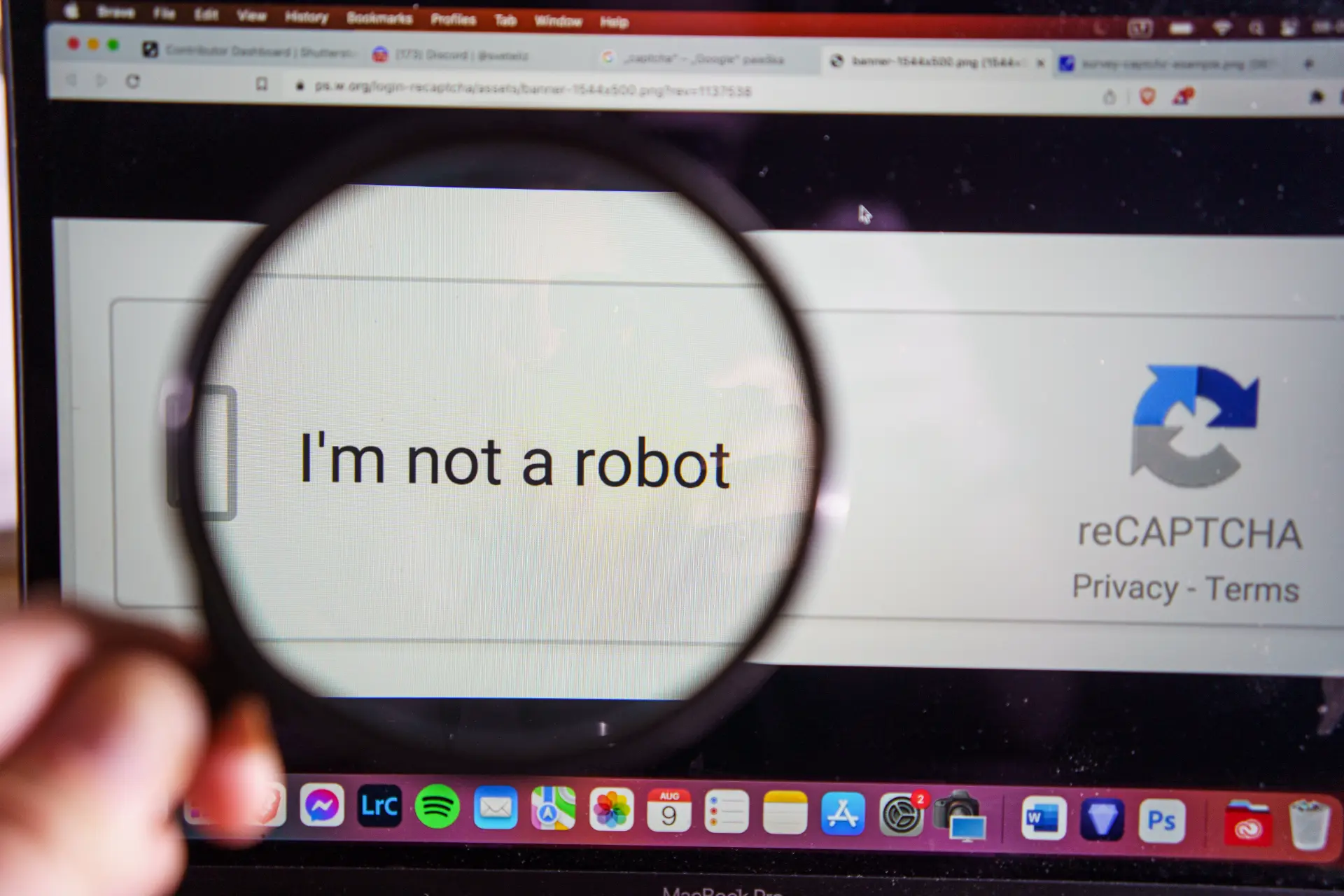
- The famous “I’m not a robot” checkbox.
- Selecting images where you need to recognize specific objects (such as traffic lights or cars).
While effective, this version can sometimes feel intrusive, especially for users browsing on mobile devices.
reCAPTCHA v3
With the introduction of Google reCAPTCHA v3, the experience became much smoother. This version works in the background and assigns a score to the user’s interaction with the site, assessing whether the behavior “might be” suspicious or legitimate.
In practice, the user no longer has to perform visible actions: the system itself decides whether access is safe, leaving the site owner free to apply more or less restrictive rules.
reCAPTCHA v3 integrates easily with login, registration, and payment forms, making it ideal for e-commerce sites or platforms requiring frequent interactions.
Differences between reCAPTCHA v2 and reCAPTCHA v3
Understanding the differences between reCAPTCHA v2 and reCAPTCHA v3 is crucial for choosing the solution best suited to your project.
- User interaction
reCAPTCHA v2 requires explicit action, while reCAPTCHA v3 works in the background. - Browsing experience
v2 may interrupt the flow with verification requests; v3 is invisible. - Risk management
v2 provides immediate, binary protection (human or bot); v3 offers more refined analysis based on scoring. - Applications
v2 is useful for simple forms and blogs; v3 is better suited to complex websites, e-commerce platforms, or authentication systems.
In many cases, Google recommends using reCAPTCHA v3 for modern projects, keeping v2 only where user interaction is minimal.
How to activate Google reCAPTCHA
To use the service, you need a Google account and to register your domain within the Google reCAPTCHA Admin Console. Here are the main steps:
- Go to the Google reCAPTCHA Admin Console.
- Log in with your Google account.
- Click + (Create) to add a new site.
- Assign a label to the project (e.g., “Business Site”).
- Select the version you want to use (reCAPTCHA v2 or reCAPTCHA v3).
- Enter the domains or hostnames on which to apply the protection.
- Accept the terms of service and complete the registration.
Once finished, you will receive two codes:
- A Site Key to insert into your HTML code.
- A Secret Key to use server-side for validation.
Without the Secret Key, it is not possible to verify the correctness of the reCAPTCHA response.

Integrating reCAPTCHA into websites
After obtaining the keys, you need to integrate the system into your website. The method varies depending on the chosen version.
reCAPTCHA v2 Integration
<form action="verify.php" method="post">

  <label for="name">Name</label>

  <input type="text" name="name" id="name" required>

  <label for="email">Email</label>

  <input type="email" name="email" id="email" required>

  <div class="g-recaptcha" data-sitekey="YOUR_SITE_KEY"></div>

  <input type="submit" value="Send">

</form>

<script src="https://www.google.com/recaptcha/api.js" async defer></script>
The server, using the Secret Key, verifies the validity of the response.
reCAPTCHA v3 Integration
<script src="https://www.google.com/recaptcha/api.js?render=YOUR_SITE_KEY"></script>

<script>

grecaptcha.ready(function() {

    grecaptcha.execute('YOUR_SITE_KEY', {action: 'contact'}).then(function(token) {

       document.getElementById("contact-form").insertAdjacentHTML(

         'beforeend',

         '<input type="hidden" name="g-recaptcha-response" value="' + token + '">'

       );

    });

});

</script>
The generated token is sent to the server, which uses the Secret Key to validate it.
Advantages of Google reCAPTCHA
The use of Google reCAPTCHA offers numerous advantages, making it the most widely used tool for website protection today.
First of all, it guarantees effective protection against spam and bots, drastically reducing unwanted comments, fake registrations, and fraudulent form submissions.
With reCAPTCHA v3, the user experience significantly improves because the check is invisible and does not interrupt browsing. Integration is simple thanks to dedicated plugins in major CMSs such as WordPress, Joomla, and Drupal. Moreover, Google releases constant updates that enhance security and algorithms.
Another key advantage is customization: with reCAPTCHA v3, administrators can define a score threshold to block suspicious actions, tailoring protection to their specific needs.
Common use cases
reCAPTCHA is most commonly used to protect specific areas of a website. Some practical examples include:
- Contact forms
Prevent bots from sending advertising messages. - Registrations and logins
Protect accounts from automatic creations or access attempts. - Spam comments
Very common in blogs, especially on WordPress. - Payment forms
Defend against fraudulent or abusive transactions.
Possible limitations and drawbacks
Despite its many advantages, Google reCAPTCHA also has some drawbacks that should be carefully considered.
Example
With reCAPTCHA v2 image or checkbox verification can be annoying for users, especially on mobile devices or under slow internet conditions.
With reCAPTCHA v3, on the other hand, the scoring system is not always precise: in some cases, legitimate users may be penalized and blocked, while suspicious activities may still bypass the filter.
Another aspect concerns accessibility: not all users with disabilities find it easy to interact with visual or audio tests. Finally, the exclusive reliance on Google’s servers may cause availability issues in countries with restrictions or in corporate networks that limit external services.
Further information and useful resources
For those who want to explore further, Google provides comprehensive documentation on its official reCAPTCHA page. There you can find:
- Step-by-step integration guides.
- Code examples for different programming languages.
- Insights on security and algorithms.
Additionally, for those using CMSs like WordPress, there are free plugins that simplify integration without requiring programming knowledge.
Conclusion
Protecting against spam bots has become an essential necessity for any website. Google reCAPTCHA today represents the most widespread and effective solution, thanks to its simple integration, advanced protection, and continuous technological evolution.
Whether it’s a small blog with spam comments or a large e-commerce platform handling thousands of transactions, knowing how to properly use reCAPTCHA makes the difference between a secure site and a vulnerable one.
Final advice: carefully evaluate your needs:
- If you want simplicity and immediacy, choose reCAPTCHA v2.
- If you want a smooth user experience and invisible protection, opt for reCAPTCHA v3.
In both cases, using the Google reCAPTCHA Admin Console and the keys provided by Google is the starting point for proper configuration.
Questions and answers
- What is Google reCAPTCHA?
It is a free Google service that protects websites from spam and bots, distinguishing real users from automated software. - Which versions of reCAPTCHA exist?
The main ones are reCAPTCHA v2, with checkboxes and images, and reCAPTCHA v3, which works in the background. - Where can I find the Google reCAPTCHA Admin Console?
The console is available at https://www.google.com/recaptcha/admin. - How do I activate Google reCAPTCHA?
By registering your site in the Admin Console, choosing the desired version, and obtaining the Site Key and Secret Key. - Can I use reCAPTCHA on multiple websites?
Yes, you can register multiple domains within the same Google account. - Is Google reCAPTCHA always free?
Yes, the service is free for most standard uses. - What is the difference between reCAPTCHA v2 and v3?
v2 requires explicit user interaction, while v3 works in the background by assigning scores. - Can I use reCAPTCHA for WordPress spam comments?
Yes, through dedicated plugins that easily integrate Google’s keys. - What happens if I don’t enter the Secret Key?
The system cannot validate responses, and the protection will not work correctly. - Where can I find further information about reCAPTCHA?
On Google’s official developer site and in the available documentation.
