Table of contents
- Why the password problem is more serious than it seems
- Password managers: what they really are
- Why password managers are so widely used today
- The main advantages of password managers
- The real risks of password managers
- Cloud-based password managers: what it really means
- Local password managers: more control, less convenience
- Cloud or local: which should you really choose?
- The role of two-factor authentication
- Password managers and remote work: a necessary combination
- Do they really help, or are they a risk?
Have you ever had to reset a password because you simply couldn’t remember it anymore?
Or used the same password for multiple services, even though you knew it wasn’t a good idea?
Or felt a certain distrust toward password managers, wondering whether entrusting all your credentials to a single tool might actually be a huge risk?
These questions are extremely common, especially among non-technical users, freelancers, and remote workers who access dozens of different services every day: email, cloud platforms, CRMs, collaboration tools, online banking, and work platforms. And this is exactly where the paradox arises: the more our digital lives expand, the harder it becomes to manage passwords securely without dedicated tools.
In this article, we clearly and simply explain what password managers are, how they work, their advantages and disadvantages, and most importantly whether they truly represent a security solution or a potential single point of failure. We will also look at the difference between cloud-based and local password managers, helping you understand which option best fits your profile.
Why the password problem is more serious than it seems
For many users, password management is still seen as an inconvenience rather than a cyber security issue. Yet most account breaches do not happen through highly sophisticated attacks, but by exploiting very simple human errors: weak passwords, reused passwords, or credentials stolen via phishing.
The average remote worker uses dozens of accounts every day: email, video conferencing tools, cloud storage, corporate platforms, and professional social networks. Remembering a different, complex password for each service is practically impossible without help. This is why many people end up using the same password everywhere, often with minor variations.
The problem is that just one breach, even on a secondary service, can compromise everything else. This is exactly the scenario in which password managers were created: to solve a real, concrete problem, not to make users’ lives more complicated.
Password managers: what they really are
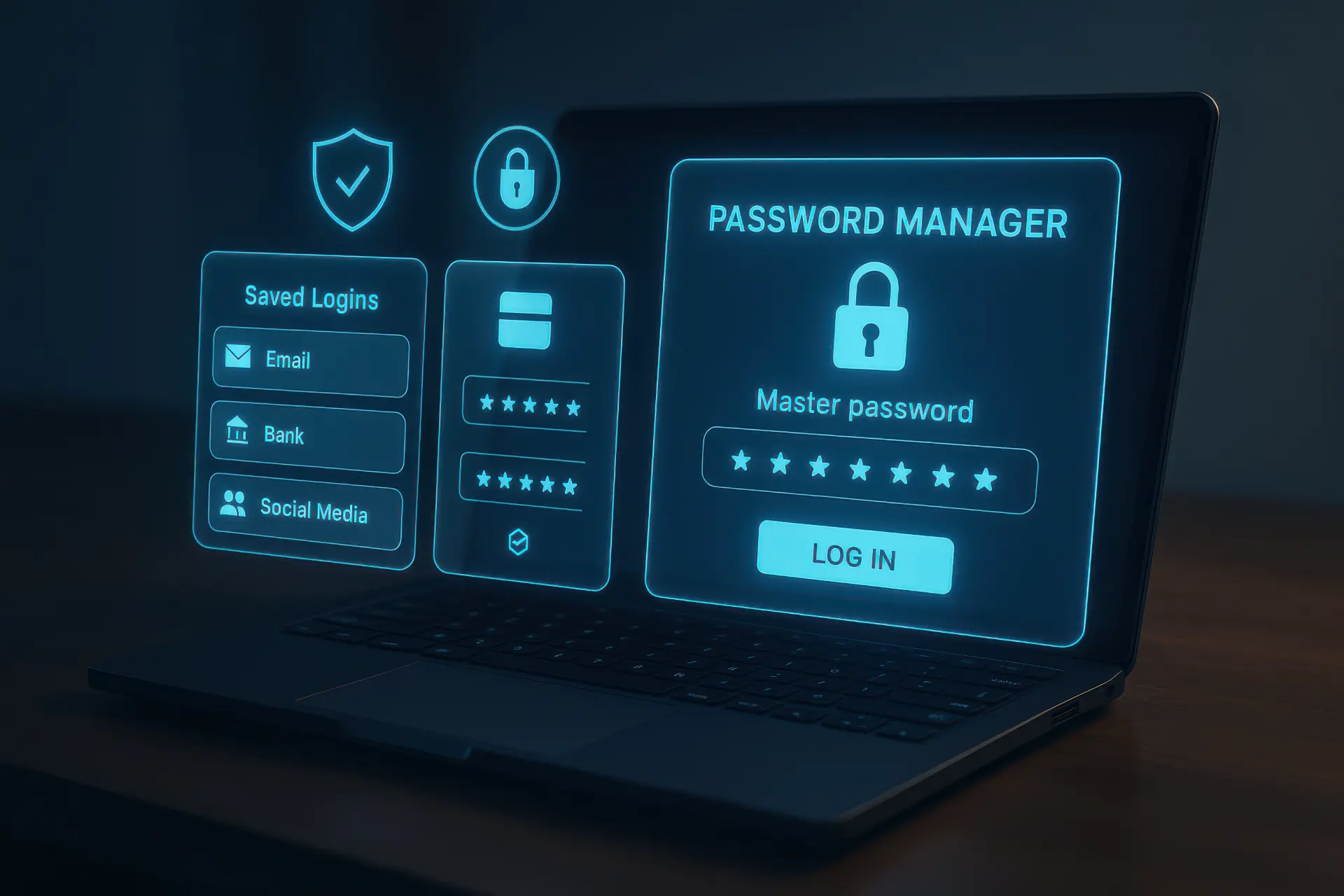
A password manager is software designed to store, protect, and manage a user’s passwords securely. Instead of remembering dozens of credentials, the user only needs to remember one: the main password, often called the master password.
Inside a password manager, you can store:
- usernames and passwords
- PINs
- answers to security questions
- payment card details
- secure notes
All this data is stored in encrypted form, meaning it is unreadable to anyone without the correct key. The password manager effectively becomes a personal digital vault.
How password managers work, explained simply
From a user’s perspective, using a password manager is much simpler than it may sound. Once installed and set up, the software detects login requests and automatically suggests the correct credentials for each website or application.
From a technical point of view, its operation is based on three core concepts:
- Strong encryption
All data is encrypted before being stored. Even if someone gained access to the password manager’s database, they would only see unreadable information. - Master password
This is the only password the user must remember. It unlocks the vault and decrypts the stored credentials. - Key derivation
The master password is not stored as-is. A cryptographic key is derived from it using specific algorithms, making brute-force attacks much more difficult.
For the end user, all of this remains invisible. The experience is simple: open the browser, visit a website, and the password manager automatically fills in the login fields.
Why password managers are so widely used today
The widespread adoption of password managers is no coincidence. In recent years, they have been recommended not only by cyber security experts but also by government agencies and major technology companies.
The reason is straightforward: humans are not designed to manage complex passwords. Security cannot rely solely on memory or constant attention. Technological support is necessary.
For a remote worker, a password manager provides immediate benefits:
- reduced stress
- no more forgotten credentials
- the ability to use long, unique passwords
- improved daily productivity
In short, it makes it possible to do the right thing from a security standpoint without complicating everyday life.
The main advantages of password managers
The biggest advantage of password managers is the ability to use strong, unique passwords for every service. This alone drastically reduces the risk of cascading breaches.
Another key benefit is protection against phishing. Many password managers automatically fill in credentials only if the website’s domain is correct. If you click on a fraudulent link in a phishing email, the password manager will not insert the password, indirectly alerting you to the danger.
Then there is convenience. Faster logins, fewer password resets, fewer interruptions during work. For remote workers, this translates directly into greater efficiency.
Finally, password managers help with long-term security management by warning users about weak, reused, or compromised passwords.
The real risks of password managers
Now we come to the part that generates the most distrust: the downsides of password managers. The most common concern is simple and understandable: “If someone gets into my password manager, they have everything.”
This is true. A password manager is a single point of failure. For this very reason, it is designed with very high security standards. However, the risk is not zero, and it is right to be aware of it.
The main risks include:
- a weak master password
- devices compromised by malware
- targeted phishing attacks against the master password
- incorrect use of the software
These risks exist even without a password manager. The difference is that, when used properly, the overall security level is still higher than with manual password management.
Cloud-based password managers: what it really means
A cloud-based password manager stores encrypted credentials on remote servers. This allows automatic synchronization across devices: computers, smartphones, and tablets.
For non-technical users, this is the most convenient solution. Log in once and find everything everywhere.
The security of a cloud password manager is based on a fundamental principle: zero knowledge. The provider does not know your master password and cannot read your data. Encryption happens on the user’s device before anything is sent to the cloud.
The real critical point is not the cloud itself, but how well the main account and devices are protected.
Local password managers: more control, less convenience
A local password manager stores the password database only on the user’s device, without automatic synchronization to external servers. This approach appeals to those who want maximum control and minimal reliance on third parties.
From a theoretical security perspective, the local model reduces online exposure. However, it introduces other practical risks: device loss, lack of backups, and difficulty using the manager across multiple devices.
For a remote worker using several devices, this option can become inconvenient and paradoxically lead to poor security habits.
Cloud or local: which should you really choose?
Choosing between a cloud-based and a local password manager is not about right or wrong, but about your risk profile.
For most non-technical users and remote workers, a reliable cloud password manager with two-factor authentication offers the best balance between security and usability.
The local option may suit highly cautious users with technical skills and well-defined backup procedures.
The biggest mistake is not choosing cloud or local, but using no password manager at all and continuing to reuse weak passwords.
The role of two-factor authentication
One often underestimated element is the use of two-factor authentication (2FA) together with password managers. Enabling 2FA on the master password drastically reduces the risk of unauthorized access.
Even if someone discovered the master password, without the second factor they would not be able to access the vault. This turns the password manager from a potential risk into a real security barrier.
Password managers and remote work: a necessary combination
For those who work remotely, a password manager is not a luxury but an essential tool. Distributed work environments, frequent access to cloud services, and the use of both personal and corporate devices all increase the attack surface.
A well-configured password manager helps maintain high security standards even outside the office, reducing the risk of human error, which remains the leading cause of cyber security incidents.
When password managers actually become a risk
Password managers become dangerous only when they are used incorrectly. Typical examples include:
- a master password that is too simple
- 2FA disabled
- a computer infected with malware
- use on unsecured public networks
In these cases, the problem is not the tool but the context. It is the same logic as a safe: it is useless if you leave the key in the door.
Do they really help, or are they a risk?
The answer, without slogans, is this: password managers are genuinely useful and reduce risks when used correctly. They are not a magic solution, but they are one of the most effective tools available today to improve everyday security for non-technical users.
Distrust is understandable, but it often comes from a distorted perception of risk. In most cases, not using a password manager is far more dangerous than using a well-configured one.
Frequently asked questions
- Are password managers safe for non-expert users?
Yes. When configured properly, they are safer than manual password management. - What happens if I forget my master password?
In most cases, passwords cannot be recovered. This is the price of strong security. - Is a cloud or local password manager better?
It depends on your needs. For remote workers, cloud solutions are often more practical. - Can password managers be hacked?
In theory yes, but the data is encrypted and unusable without the master password. - Can I use the same password manager on multiple devices?
Yes, especially with cloud-based solutions. - Is it safe to store credit card details?
Yes, if the password manager uses strong encryption and 2FA. - Browsers already have password managers are they enough?
Better than nothing, but less complete than dedicated solutions. - Do password managers protect against phishing?
Yes, because they only fill credentials on legitimate websites. - Do I still need antivirus software if I use a password manager?
Yes, because malware can compromise your device. - Do password managers slow down work?
On the contrary, they make it faster and less stressful.
