Table of contents
- What does suspected spam on your phone mean
- Why do you receive calls marked as suspected spam
- How suspected spam alerts work on different operating systems
- How to enable suspected spam on Samsung
- How to block suspected spam
- Difference between suspected spam and unknown call
- Protecting your personal data
- The help of third-party apps
Have you ever received a call and seen the words “suspected spam” appear on your phone screen? In many cases, people get worried or wonder if it’s a security problem. In reality, this message doesn’t indicate a malfunction or an immediate risk, but rather a feature designed to protect you from unwanted calls.
In this guide, I’ll explain in detail what suspected spam on your phone means, how this label works, which operating systems handle it, and above all how to enable suspected spam on Samsung and how to block suspected spam using different tools, both built-in and third-party apps.
What does suspected spam on your phone mean
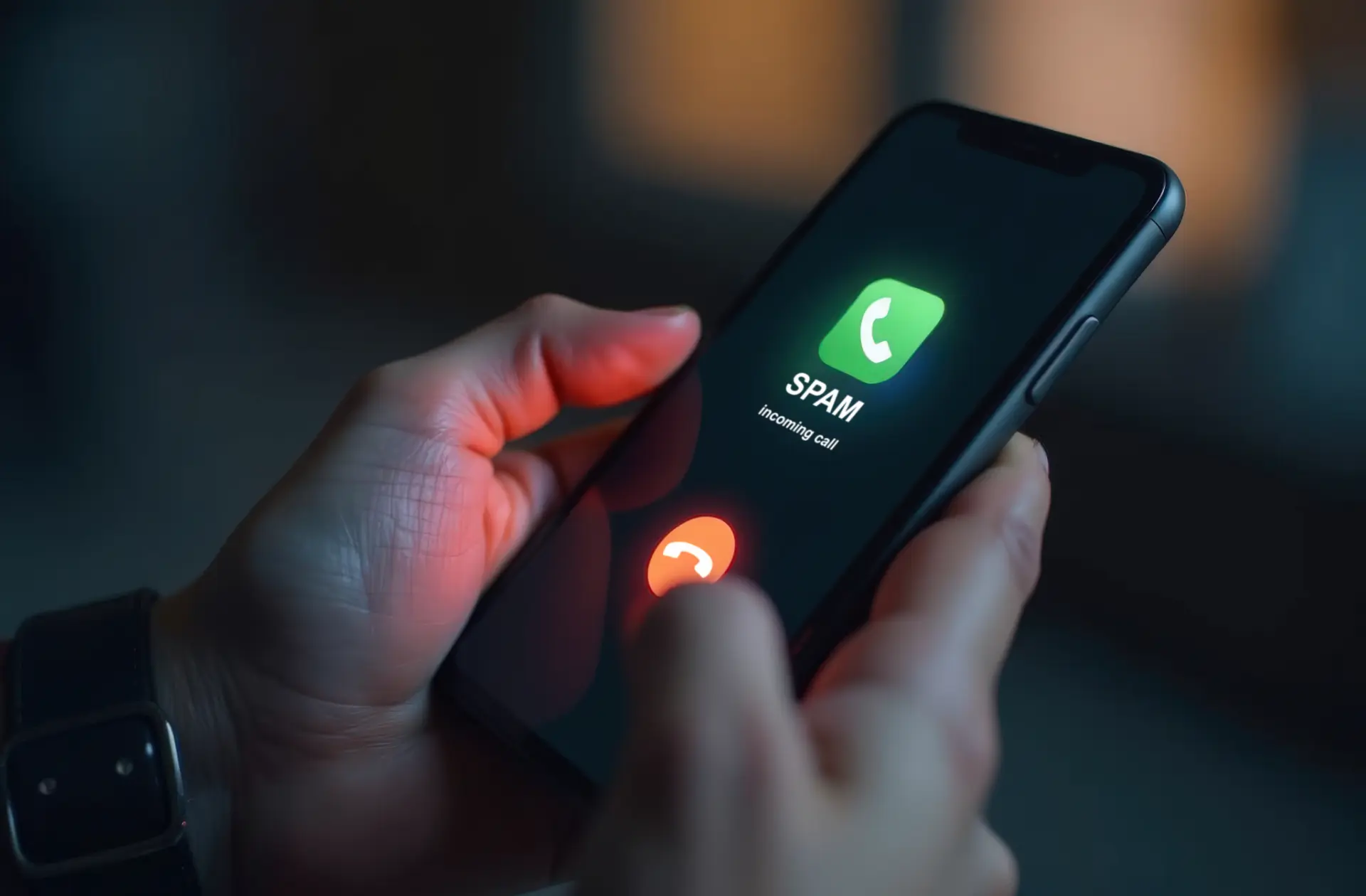
When the words “suspected spam” appear on your phone’s display, it means your device or the Phone app has identified that phone number as potentially linked to an unwanted call.
This label doesn’t necessarily mean the number is dangerous: it could be a call center offering commercial deals, a number already reported by other users as annoying, or even a scam attempt.
Modern caller ID and protection systems rely on databases containing lists of spam numbers, which are constantly updated. When an incoming call matches one of these numbers, your phone warns you by showing the label.
This way, you can decide whether to answer or ignore the call, avoiding sharing your personal data with unreliable sources.
Why do you receive calls marked as suspected spam
The majority of calls flagged as suspicious come from:
- Call centers offering electricity, gas, phone, or insurance contracts.
- Scammers trying to get you to share banking details.
- Unknown numbers using repeated robocalls with prerecorded messages.
Even if not all of these calls are illegal, they are still unwanted calls that disturb your daily life. That’s why modern systems introduced mechanisms to block spam calls automatically.
How suspected spam alerts work on different operating systems
The main mobile operating systems have introduced protection tools against unwanted calls:
- Android
In most cases, the alert is managed directly by the Google Phone app or by the manufacturer’s customized version. - iOS (iPhone)
Apple does not display “suspected spam” by default, but it lets you silence unknown calls and manually block reported numbers. - Third-party apps
Dedicated apps, like Truecaller, expand protection and show additional information about the caller.
In general, the feature works by collecting reports from millions of users: if a phone number has been labeled as annoying, your phone will recognize it as suspected spam.
How to enable suspected spam on Samsung
If you own a Samsung smartphone with Android, you can take advantage of its integration with Hiya, a call identification service.
Here’s how to do it step by step:
- Open the Phone app on your device.
- Tap the three dots in the top right corner to access settings.
- Select Caller ID and spam protection.
- Enable the switch next to Show caller ID and spam protection.
From now on, whenever you receive a call from a suspicious number, your phone will display the corresponding label. You can then decide whether to answer or reject the call.
Many users don’t know about this option and don’t know how to enable suspected spam on Samsung yet it’s one of the most effective ways to reduce nuisance calls.
How to block suspected spam
Turning on identification is useful, but the real protection comes from knowing how to block suspected spam.
You can do this in several ways:
- Manual call blocking
When you receive an unwanted call, open your call log, select the phone number, and choose Block. - Phone app settings
In the top right corner, go to the menu and enable call blocking for numbers flagged as spam. - Silence unknown calls
Many phones let you block all calls from numbers not saved in your contacts. - Join the Do Not Call registry
In Italy, you can register your number to stop receiving commercial calls from call centers. - Third-party apps
Install apps like Truecaller, Should I Answer, or similar, which enhance filtering and allow reporting new numbers.
Thanks to these methods, you can avoid answering unwanted calls and also contribute to updating shared databases, helping other users recognize spam numbers.
Difference between suspected spam and unknown call
Many people confuse the two terms. An unknown call simply comes from a number not in your contacts and without identification.
The suspected spam label, instead, only appears when the number has already been reported or cataloged as potentially harmful.
Understanding the difference is key: not all unknown calls are spam, but all spam labels indicate a risk of disturbance or fraud.
Protecting your personal data
One of the most important things to remember is that answering a suspected spam call can be risky, especially if the caller tries to convince you to provide banking information, codes, or personal data.
The advice is simple: never give sensitive information over the phone unless you are 100% sure of the caller’s identity. Even a simple confirmation can be misused.
The help of third-party apps
Beyond built-in features, third-party apps have made significant progress. Many let you view reviews and comments from other users about the caller’s number, so you can immediately know if it’s an aggressive call center or a scam attempt.
These apps, updated daily, are a valuable tool when your phone’s basic filter isn’t enough.
Conclusion
We’ve seen in detail what suspected spam on your phone means and why this label appears. It’s a protection system against unwanted calls, allowing you to recognize a suspicious phone number before answering.
Knowing how to enable suspected spam on Samsung and how to block suspected spam helps you drastically reduce the annoyance of such calls and protect your personal data.
In a world where phone scams are increasingly common, using these features is an essential step to safeguard your privacy and peace of mind.
Questions and answers
- What does suspected spam on your phone mean?
It means your phone has recognized the number as potentially annoying or reported by other users. - Is it dangerous to answer a number marked as suspected spam?
Not always, but you should never share personal data. - How to enable suspected spam on Samsung?
Go to Phone app > Settings > Caller ID and spam protection and turn it on. - Can I block spam calls on Android?
Yes, via phone settings or by installing dedicated apps. - Does iPhone show suspected spam?
No, but it allows silencing unknown calls and blocking numbers. - What is the Do Not Call registry?
It’s an Italian service that prevents commercial calls from call centers. - What happens if I block a phone number?
That number can no longer contact you via calls or SMS. - Are third-party apps safe?
The most popular and widely downloaded ones, like Truecaller, are generally reliable and useful. - Can I unblock a number reported by mistake?
Yes, in your call log settings you can remove it from the blocked list. - Why aren’t some unknown calls marked as spam?
Because not all unknown numbers are spam: they need to be reported by the community first.
