Table of contents
- What is a QR Code and why is it so widespread
- How QR Codes work: the real mechanism
- How QR Codes work in practice
- How to read QR codes
- How to scan QR codes safely
- QR Code examples and real use cases
- Advantages and limitations of QR Codes
- QR Codes and cyber security: what you need to know
- The future of QR Codes
Have you ever seen a square filled with tiny black pixels and wondered whether it was really safe to scan it? Or maybe you didn’t know how QR codes are read or what actually happens after you scan one with your smartphone?
It’s more common than you think. Today, QR codes are everywhere: in restaurant menus, business cards, digital payments, and advertising posters. But truly understanding how QR codes work is essential not only to use them effectively, but also to avoid security risks.
In this article, I’ll guide you step by step to understand what a QR code is, how it works, how to use it effectively, and most importantly how to protect yourself when you decide to scan one.
What is a QR Code and why is it so widespread
Let’s start with the basics: what is a QR code? A QR code (Quick Response Code) is a two-dimensional barcode capable of storing much more information than traditional linear barcodes. It was developed in the 1990s for the automotive industry, but today it has become a universal tool for quickly sharing information.
Unlike classic barcodes, which store data in one direction, QR codes use a grid structure. This allows them to contain different types of information such as:
- URLs of web pages
- phone numbers
- contact information
- Wi-Fi network credentials
- plain text or promotional codes
The reason for their widespread use is simple: all you need is a smartphone to scan a QR code and instantly access its content.
How QR Codes work: the real mechanism
Let’s dive into the core topic: how QR codes actually work.
When you look at a QR code, you just see a set of small squares. In reality, each element has a precise function. The code is made up of:
- Position markers
The three large squares in the corners help the device recognize the code - Modules
The small black and white squares that represent data - Data area
Where information is encoded - Error correction codes
Allow the code to be read even if partially damaged
Here’s the process:
- You open a QR code reader on your smartphone
- You scan the code
- The system analyzes the pattern and decodes the data
- After interpreting the information, it performs an action (open a page, save a contact, etc.)
This means a QR code can be seen as a “bridge” between the physical and digital worlds.
How QR Codes work in practice
To really understand how QR codes work, let’s imagine a practical example.
If a QR code contains a link, when you scan it your smartphone:
- recognizes it as a URL
- automatically opens the browser
- takes you to the linked web page
If it contains Wi-Fi data, the device can connect automatically without entering the password.
Here’s a simple example of encoded content:
WIFI:T:WPA;S:NetworkName;P:Password123;;
When the scanner reads this code, the operating system interprets the data and suggests connecting to the network.
This is a classic QR code example that shows how powerful and versatile this technology is.
How to read QR codes
One of the most common questions is: how do you read QR codes?
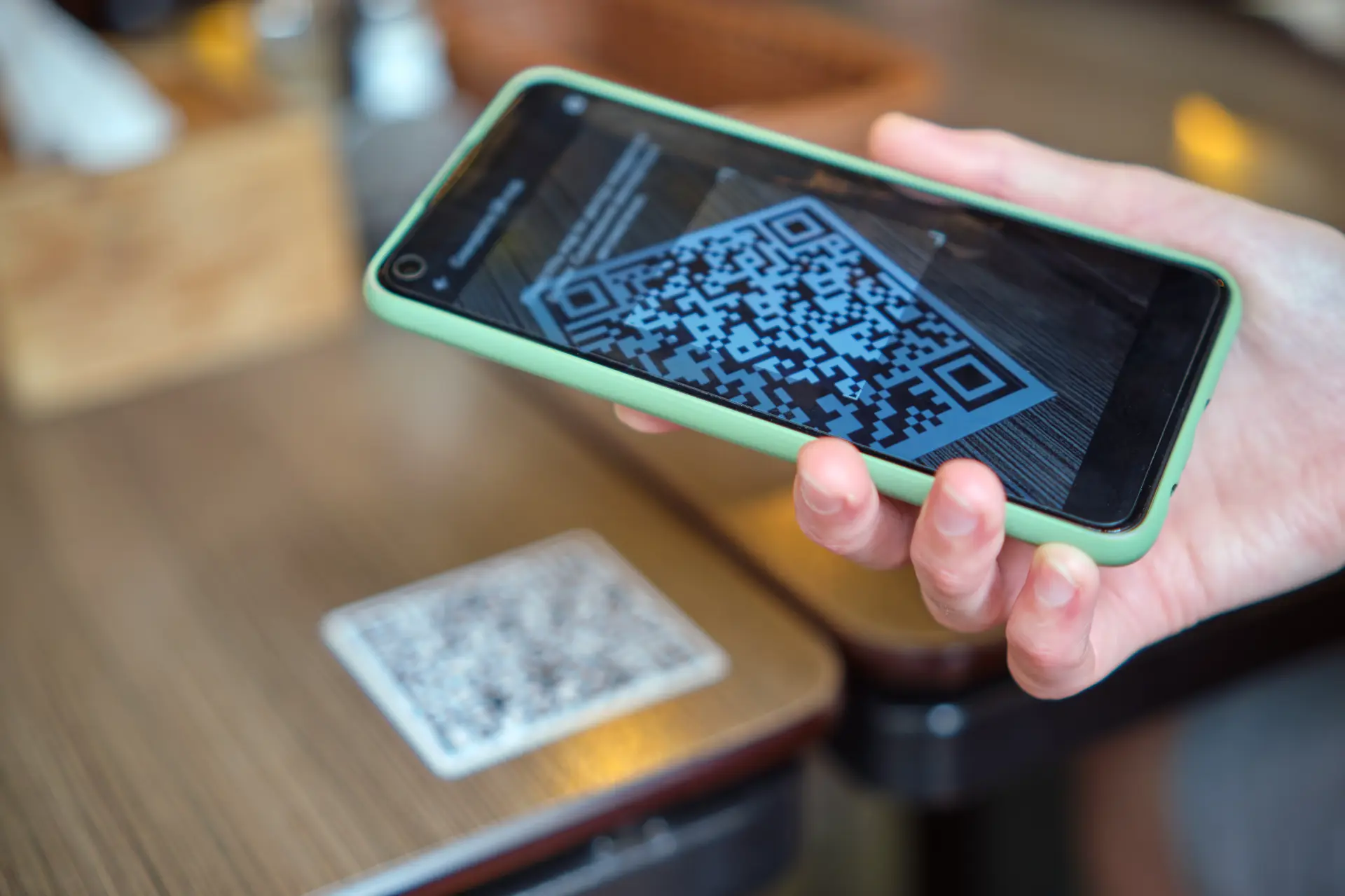
The answer is simpler than you might think. Today, most smartphones already have a QR code reader built into the camera.
Here are the steps:
- Open the camera
- Point it at the code
- Wait for the notification
- Tap the suggested link or action
On some devices, especially older ones, you may need to download third-party apps from the app store.
Example
On Android devices Google Lens is often integrated. On iOS systems, the feature is built in natively.
This makes it extremely easy to read QR codes without technical skills.
How to scan QR codes safely
Knowing how to read QR codes is not enough. You also need to understand how to do it safely.
The main issue is that you don’t know what’s behind a QR code until you open it. It could lead to:
- phishing websites
- malicious downloads
- fraudulent pages
That’s why it’s essential to follow some best practices:
- always verify the source of the QR code
- avoid suspicious codes found in public places
- check the URL before opening it
- use antivirus or security tools
A QR code may look harmless, but it can hide real risks.
QR Code examples and real use cases
Let’s look at some real QR code examples.
Today, QR codes are used in many contexts:
- digital business cards to share contacts
- restaurants for digital menus
- contactless payments
- event access
- marketing and advertising
Imagine a company placing a QR code on a flyer. When users scan it, they are directed to a landing page with an offer.
Or think of a store using QR codes to allow automatic access to its Wi-Fi network.
This shows how QR codes are a key tool for connecting offline and online experiences.
Advantages and limitations of QR Codes
The success of QR codes depends on several key advantages:
- fast access
- ease of use
- ability to store various types of data
- compatibility with any operating system
However, there are also some limitations:
- dependence on a smartphone
- security risks
- need for an internet connection for some content
Despite this, the overall balance is extremely positive, especially thanks to global adoption and integration into modern digital services and marketing strategies.
QR Codes and cyber security: what you need to know
In the field of cyber security, QR codes represent a new attack surface. This technique is known as QR phishing or “quishing”.
Hackers can create codes that appear legitimate but lead to malicious websites. This is particularly dangerous because:
- users cannot see the URL beforehand
- the act of trust is automatic
- it often happens in public environments
For this reason, it’s important to integrate QR code awareness into your digital security mindset. It’s recommended to use advanced protection tools, avoid insecure networks, and always verify sources—especially when dealing with payments or sensitive data.
The future of QR Codes
QR codes are evolving rapidly. Today, they are not only used for links but also for:
- authentication
- digital identity
- advanced payments
- logistics tracking
With integration into operating systems and digital services, they will become increasingly central.
Conclusion
We have clearly and practically explored how QR codes work, what they are, how to use them, and what risks they involve.
Today, knowing how to read QR codes is no longer optional, but a fundamental skill. Whether you want to scan a QR code to access a web page or share information, it’s important to do so consciously.
QR codes are a powerful tool, but like all technologies, they must be used correctly.
Questions and answers
- 1. What is a QR code in simple terms?
It’s a two-dimensional barcode that contains information readable via a smartphone. - How do you read QR codes?
Simply use your camera or a dedicated app to scan them. - Do you need an app to read QR codes?
It depends on the device, but often it’s already built into the system. - Can I scan a QR code without internet?
Yes, but some actions (like opening links) require a connection. - Are QR codes safe?
Yes, but only if they come from trusted sources.